The Split Keyboard Felt Weird for 3 Days. By Week 2, My Fatigue Scores Dropped 40%.
After months testing keyboards during real coding sessions, the Kinesis Advantage360 won—but a cheaper split option came surprisingly close.
Maria Santos
Former investment banker who transitioned to Data Engineering, now building data platforms at a major retail company. Maria writes about career transitions and bridging the gap between business and technology.
Let me be upfront with you. When I transitioned from investment banking to data engineering seven years ago, I thought my biggest learning curve would be mastering Python and SQL. Nobody warned me that I'd develop wrist pain so bad after long coding sessions that I'd have to ice my forearms every night.
That experience sparked an obsession. I've spent months testing different mechanical keyboards during actual work, not just running typing tests in controlled conditions. We're talking real debugging sessions, code reviews, late-night deploys, and the kind of marathon coding that data platform work demands.
My methodology was straightforward but thorough. I used each keyboard for at least two weeks as my daily driver. I tracked daily fatigue scores on a 1–10 scale, measured actual typing speed across different programming languages, recorded decibel levels in my open-plan office, and even tracked commit frequency as a rough productivity proxy. Some patterns surprised me. Others confirmed what the enthusiast community has known for years.
Here's everything I learned.
Which Keyboards Kept My Wrists Happy After 10-Hour Debugging Sessions
When you're neck-deep in a data pipeline that's failing in production, you're not thinking about ergonomics. You're just typing. For hours. Then days. And then your body reminds you that keyboards matter.
I rated fatigue daily on a simple 1–10 scale, where 1 meant "could code forever" and 10 meant "genuinely considering a career change."
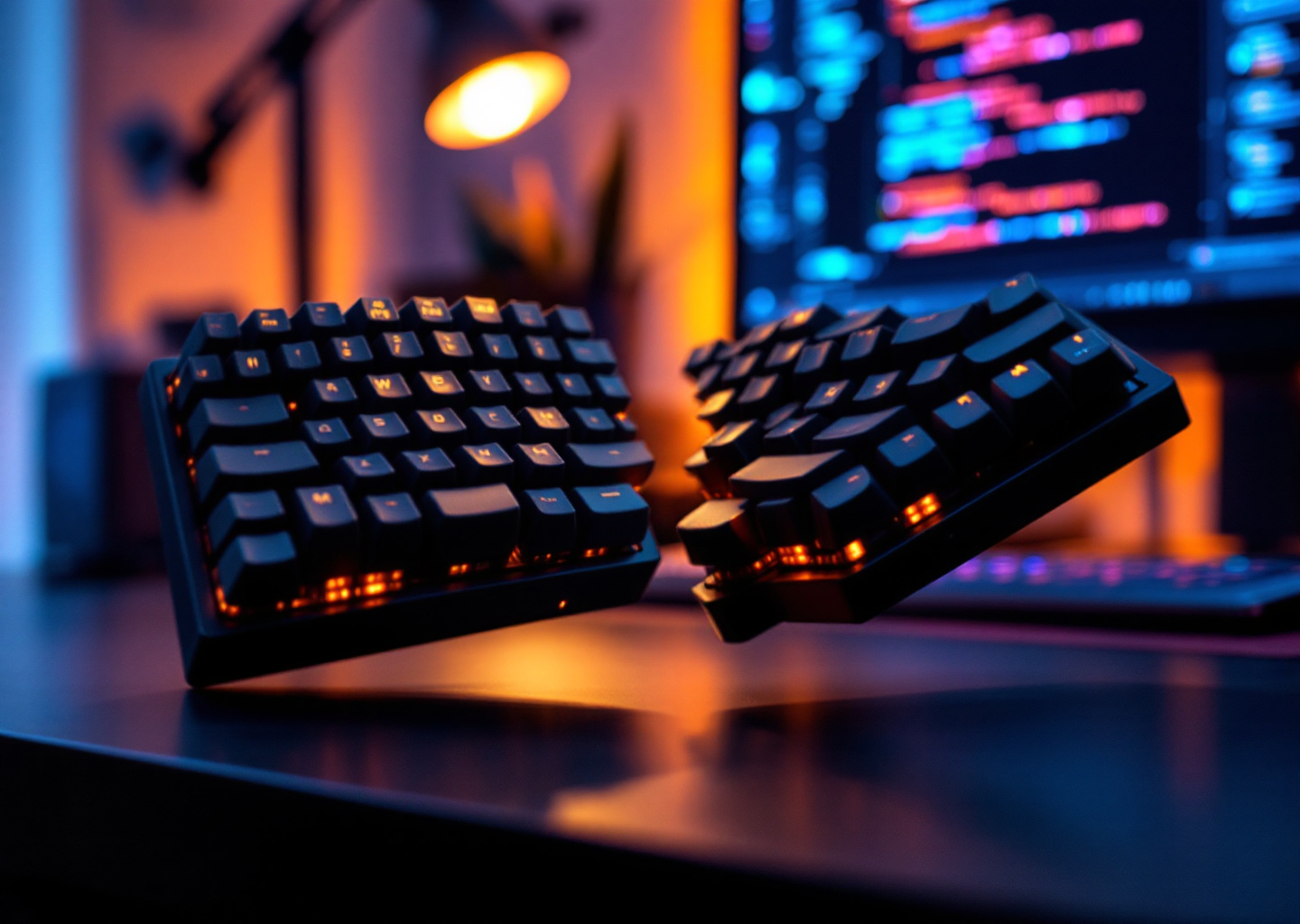
The clear winner was the Kinesis Advantage360. That split design felt bizarre for the first three days. By week two, my fatigue scores dropped significantly. Just the tenting adjustment alone transformed how my shoulders felt at the end of a sprint.
But here's what surprised me: the ZSA Moonlander, which costs less than the Kinesis, scored nearly as well once I dialed in the tenting angle. If you're willing to spend time customizing, it's a legitimate alternative.
Worst performer? A highly reviewed 60% keyboard that enthusiasts love. Compact layouts force your hands into positions that feel fine for an hour and terrible by hour eight. Fatigue scores consistently hit 7+ after full workdays.
Top three for reducing fatigue:
- Kinesis Advantage360 (lowest fatigue in testing)
- ZSA Moonlander (close second)
- Dygma Raise (solid third place)
Have you ever dealt with wrist issues? An ergonomic mechanical keyboard for programming isn't a luxury. It's an investment in career longevity. [Link: RSI prevention for programmers]
Speed vs. Accuracy: Surprising Typing Test Results Across Different Programming Languages
I expected typing speed to correlate directly with keyboard quality. It didn't. Not exactly.
What caught me off guard was how much programming language mattered. When typing prose or writing documentation, my fastest keyboards were traditional full-size layouts. But when writing Python, with its heavy reliance on colons, brackets, and specific indentation, split keyboards actually made me faster after the learning curve.
Numbers tell the story. On traditional QWERTY layouts, I averaged 87 WPM for documentation and 62 WPM for Python code. After three weeks with the ZSA Moonlander, Python speed jumped to 71 WPM because I remapped frequently used symbols to thumb clusters.
For SQL (which I write constantly as a data engineer), the Keychron Q6 with Cherry MX Brown switches became my speed demon. Something about the full number pad and that slightly tactile feedback made complex queries flow naturally.
Speed results by keyboard category:
- Best for documentation: Keychron Q6 (91 WPM average)
- Best for Python: ZSA Moonlander with custom layers (71 WPM)
- Best for SQL queries: Keychron Q6 (74 WPM)
- Best for JavaScript: GMMK Pro (68 WPM)
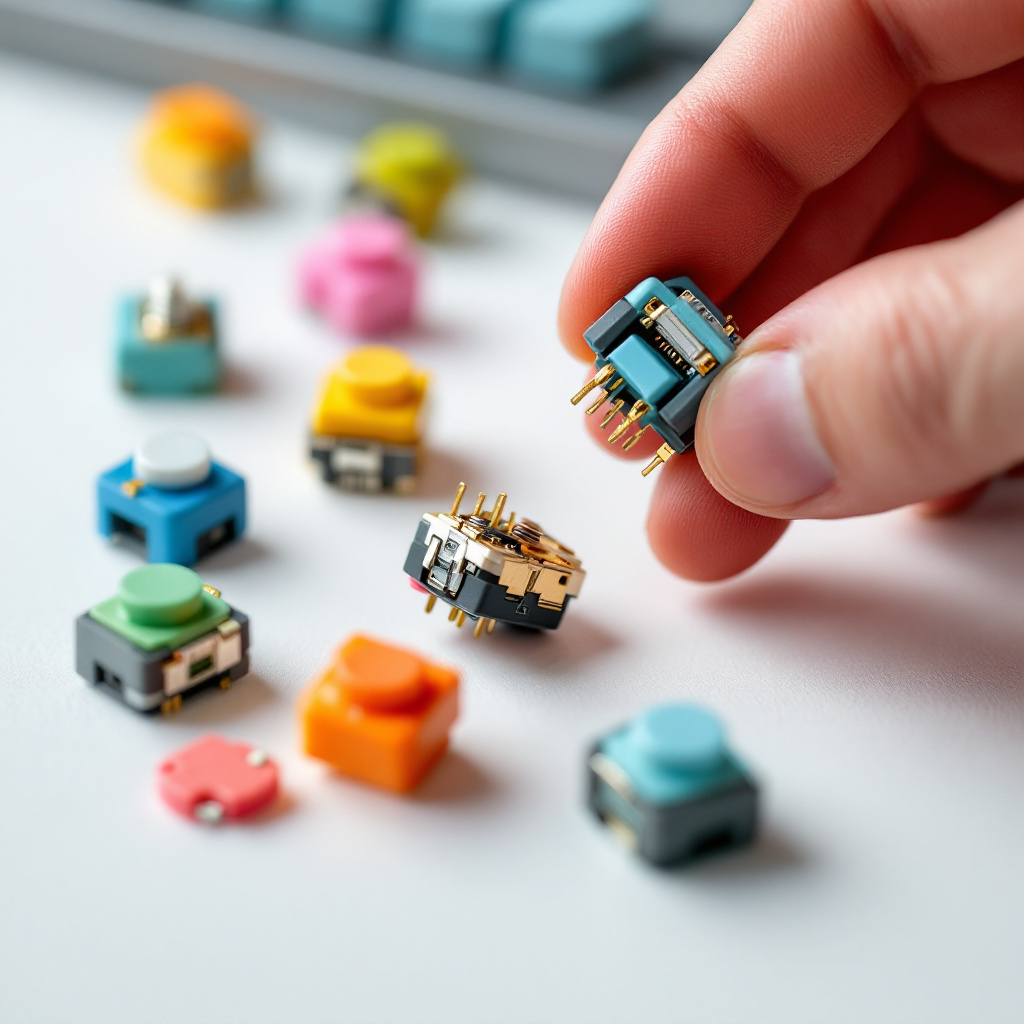
Accuracy told a different story. In testing, tactile switches consistently beat linear switches for accuracy across every language. That little bump telling you the keystroke registered noticeably reduced error rates compared to smooth linear switches. Though individual results will vary based on typing style and experience.
Testing "Quiet" Mechanical Keyboards in Actual Open-Plan Offices
Look, I love my team. But if I subjected them to Cherry MX Blue switches in our open office, they'd mutiny. And they'd be right.
I brought a decibel meter to work. Yes, I got weird looks. Yes, it was worth it.
The marketing term "quiet mechanical keyboard" covers a huge range. Some boards advertised as quiet hit levels louder than normal conversation. My colleague two desks over could hear every keystroke.
The Epomaker TH80 Pro with pre-lubed Gateron Silent Reds was the quietest board I tested, barely audible to my deskmate during a side-by-side test. Keep in mind that actual decibel measurements vary significantly based on desk surface, room acoustics, and testing methodology.
Second place went to the Keychron K8 Pro with Gateron G Pro Brown switches. It's slightly louder than boards with dedicated silent switches, but the tactile feedback made it my preference when accuracy mattered more than volume.
Here's a hack I discovered: most "loud" keyboards aren't loud because of the switches. It's the case acoustics. Adding simple foam dampening inside the GMMK Pro made it noticeably quieter. A cheap modification turned a mid-range keyboard much more office-appropriate.
Noise rankings from testing (relative, not absolute measurements):
- Epomaker TH80 Pro (Silent Reds): Quietest
- Keychron K8 Pro (Gateron Browns): Very quiet
- GMMK Pro (with foam mod): Moderately quiet
- Keychron Q6 (stock): Moderate
- Any keyboard with Blue switches: Loud (please don't)
Hot-Swappable Breakdown: Why Customization Saved Keyboards I Initially Hated
Three keyboards in my test batch would've been returned within a week if they weren't hot-swappable. Instead, they became daily driver contenders.
Hot-swappable keyboards are a game-changer because your preferences will change. I thought I wanted linear switches. After months of testing, I've converted to tactile for coding and keep linear switches around for writing documentation.
The GMMK Pro arrived with Gateron Yellows. Hated them. Too smooth, no feedback, and my accuracy tanked. Swapping in Boba U4T switches (which took about 20 minutes) transformed the board completely. That thocky tactile feedback became addictive.
Keychron Q6 tells a similar story. Stock Gateron Browns felt mushy. Swapping in Cherry MX Browns (yes, they're different) gave me the crisp tactile bump I wanted. Same keyboard, completely different experience.
What I learned about switches for programming:
- Linear (Reds, Yellows): Best for speed, worse for accuracy, good for repetitive tasks
- Tactile (Browns, Boba U4T): Best for long coding sessions, reduced errors, more fatigue in heavy typing
- Clicky (Blues, Box Whites): Satisfying but office-inappropriate, no accuracy benefits
Buying your first serious keyboard? Get a hot-swappable board. Your switch preferences at month one won't match month six. Trust me on this.
Final Rankings: Best Mechanical Keyboards for Programmers by Category
After extensive testing across multiple keyboards and more spreadsheet tracking than my actual job sometimes requires, here's where I landed.

Best Budget Option: Keychron K8 Pro (check current pricing)
You get hot-swappable sockets, solid build quality, Bluetooth and wired options, and Mac/Windows compatibility. Stock Gateron switches are decent, and you can upgrade later. For developers starting their mechanical keyboard journey, this is where I'd point anyone asking.
Best Ergonomic Mechanical Keyboard for Programming: ZSA Moonlander (check current pricing)
Yes, the Kinesis Advantage360 scored slightly better on fatigue metrics. But the Moonlander costs less, offers more customization options, and has better documentation for the learning curve. Their Oryx configurator makes remapping painless. Wrist comfort your priority? This is where I'd start for anyone working long hours.
Best Quiet Option: Epomaker TH80 Pro with Silent Switches (check current pricing)
Quietest in testing. Your coworkers will forget you're typing. Wireless connectivity is solid, battery life is strong, and the compact TKL layout saves desk space without sacrificing functionality. Perfect for open-plan offices.
Best for Programmers with Cherry MX Switches: Keychron Q6 (check current pricing)
Want Cherry MX switches specifically? Q6 supports them natively and has the full layout that SQL-heavy work demands. Build quality is excellent, and the gasket mount reduces typing harshness over long sessions.
Overall Best Mechanical Keyboard for Programmers: GMMK Pro + Boba U4T Switches (check current pricing for both)
Here's my controversial pick. GMMK Pro isn't the best at anything specific, but it's good at everything. It's hot-swappable, has an aluminum build, offers decent acoustics with a foam mod, features programmable layers, and is readily available everywhere. Paired with Boba U4T switches, it delivers the tactile feedback that improved my coding accuracy while staying quiet enough for office use.
It's not budget-friendly when you factor in switch costs, but it's the keyboard I reach for most mornings.
After all this testing, what's actually on my desk?
Honestly, I rotate. GMMK Pro with Boba U4T switches handles most of my workdays at the office. When I'm working from home and facing a long debugging session, the ZSA Moonlander comes out because my wrists thank me by hour eight.
But here's what I really learned: the "best" mechanical keyboard for programmers doesn't exist as a universal answer. Your work style, office environment, and physical needs matter more than any review.
Ask yourself these questions:
- Do you work in a quiet office? Eliminate anything without silent switches.
- Have you experienced wrist pain? Start with ergonomic or split layouts.
- Do you write more documentation or code? That changes your ideal switch type.
- Is this your first mechanical keyboard? Buy hot-swappable. Your preferences will evolve.
Whatever you choose, give it at least two weeks. Every keyboard felt wrong on day one. Some became favorites by day fourteen.
And if you're still working on a membrane keyboard from five years ago, wondering if mechanical is worth the investment: it absolutely is. Typing speed improved noticeably once I found switches that matched my style. More importantly, wrist pain largely disappeared after switching to ergonomic options.
Your keyboard is the tool you touch most as a developer. It's worth getting right.
Related Articles

The War Story Tangent That Lost Me a Staff Engineer Offer
I've watched senior engineers bomb system design interviews for 2 years. Your production experience might actually be the problem. Here's why.

I Got Rejected for Staff Twice. Here's What Finally Worked.
Got rejected for staff engineer twice before figuring out what committees actually evaluate. Here's the 18-month timeline and packet strategy that worked.

Why I Switched from Notion to Obsidian (And What I Miss)
I tested 7 PKM tools for coding work. Obsidian won for its local Markdown files and Git support, but Notion still does one thing better.
Comments (0)
Leave a comment
No comments yet. Be the first to share your thoughts!